
SharePoint vs Custom Software is a common decision organisations face when modernising internal systems. One path leads to configuring a platform such as SharePoint. The other leads to investing in custom software development. Both options can deliver value, but they solve different problems. Choosing incorrectly can result in rising costs, frustrated users, and systems that do not scale with the business. This article explains when SharePoint is the right choice and when custom software development is the smarter long-term investment. It focuses on practical business outcomes such as cost, flexibility, ownership, and risk, rather than frameworks or standards. If you are deciding how to support document management, workflows, or internal operations, this guide will help you make a confident and informed choice.
Understanding SharePoint and Custom Software
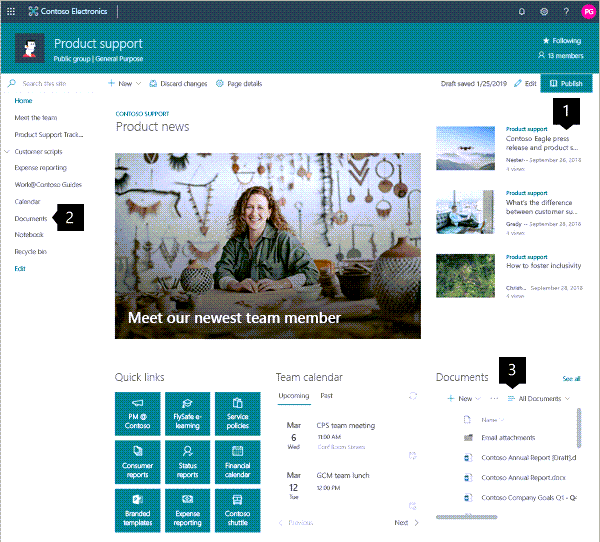
SharePoint is a configurable platform provided by Microsoft. It is designed to support document management, collaboration, basic workflows, and internal portals. It works best when organisations adapt their processes to the platform’s strengths.
Custom software development involves building an application specifically for your organisation. The system is designed around your workflows, data structures, integrations, and growth plans. It requires more upfront investment but offers full control.
The real decision is not technology versus technology. It is configuration versus creation.
Why this decision matters
Choosing between SharePoint and custom software affects more than your IT road-map. It shapes how people work every day and how easily the organisation can evolve.
Time efficiency
SharePoint can be deployed quickly. Many features are available out of the box, which reduces initial setup time. Custom software takes longer to deliver but removes long term workarounds.
Cost control
SharePoint usually has a lower entry cost. Custom software development requires higher upfront spend but can reduce recurring licence and extension costs over time.
Scalability
SharePoint scales well for collaboration and document management. Custom software scales better for complex processes, high transaction volumes, and unique business logic.
Ownership and flexibility
With SharePoint, you work within platform limits. With custom software, you own the road-map and the rules.
When SharePoint is the right choice
SharePoint excels when needs are common and processes are relatively standard.
Typical use cases
- Document management and document control
- Team collaboration spaces
- Simple approval workflows
- Internal knowledge bases
- Departmental portals
If your organisation mainly needs to store, organise, and retrieve documents, SharePoint is often sufficient.
Strengths of SharePoint
- Rapid deployment
- Familiar interface for Microsoft users
- Strong document management features
- Integrated search and permissions
- Predictable licensing structure
Limitations to be aware of
- Complex workflows become difficult to maintain
- Heavy customisation increases technical debt
- Reporting and dashboards are limited without add-ons
- Integrations can be constrained by connectors
If you find yourself stacking tools, extensions, or scripts to make SharePoint behave like a bespoke system, it is often a signal that configuration is being stretched too far.

When custom software development makes sense
Custom software development is the better option when your processes are core to your competitive advantage.
Indicators you need custom software
- Your workflows are unique or highly specialised
- You rely on multiple systems that must integrate deeply
- Performance and automation are critical
- You require tailored reporting and dashboards
- The system is revenue generating or mission critical
Custom software is built to fit the business, not the other way around.
Benefits of custom software development
- Exact alignment with business processes
- Full control over features and roadmap
- Easier long-term scalability
- Cleaner integrations with existing systems
- No unnecessary features or licence limitations
Although custom software development requires careful planning, it often delivers stronger long-term value for growing organisations.
Cost comparison: short term vs long-term
Cost is often the deciding factor, but it must be viewed across the system lifecycle.
SharePoint cost profile
- Subscription based licensing
- Lower upfront spend
- Additional cost for premium features or connectors
- Ongoing administration and configuration effort
Custom software cost profile
- Higher upfront development cost
- Lower dependency on recurring licences
- Maintenance and enhancement budgeting required
- Cost efficiency improves as usage scales
SharePoint is usually cheaper in the short-term. Custom software development often becomes more economical as complexity and scale increase.
Example: document management vs process automation
Consider a growing services firm.
Scenario one: SharePoint
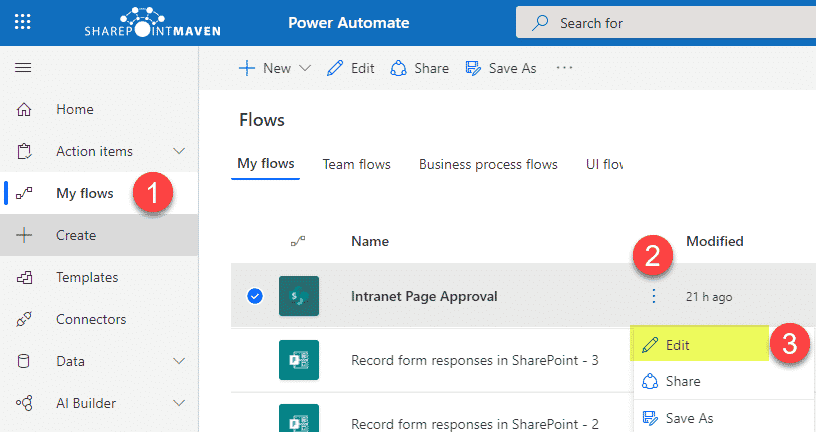
The firm uses SharePoint for document management, basic approvals, and collaboration. This works well for policies, templates, and team communication. API configuration meets most needs with minimal friction.
Scenario two: Custom software
As the firm grows, it needs automated client onboarding, integrated billing, and real time reporting. SharePoint begins to struggle. A custom system is built to connect client data, automate workflows, and provide leadership dashboards.
The key difference is intent: SharePoint supports documents, custom software supports operations.
Customisation pitfalls to avoid
Regardless of the option chosen, there are common mistakes.
Over customising SharePoint
- Treating it as a full application platform
- Adding scripts and tools without governance
- Relying on individual specialists to maintain logic
Under scoping custom software
- Building without clear requirements
- Ignoring future integrations
- Failing to plan for maintenance and support
The best outcomes come from honest assessment of current and future needs.
A practical decision framework
Ask these questions before deciding:
- Are our processes standard or unique?
- Is this system supporting core operations or support functions?
- Will complexity increase significantly in the next three years?
- Do we need deep system integrations?
- Do we want to own the solution or rent functionality?
If most answers point toward standardisation and speed, SharePoint is a strong choice. If they point toward differentiation and control, custom software development is the better path.
